ConneXions Spring 2026 Release
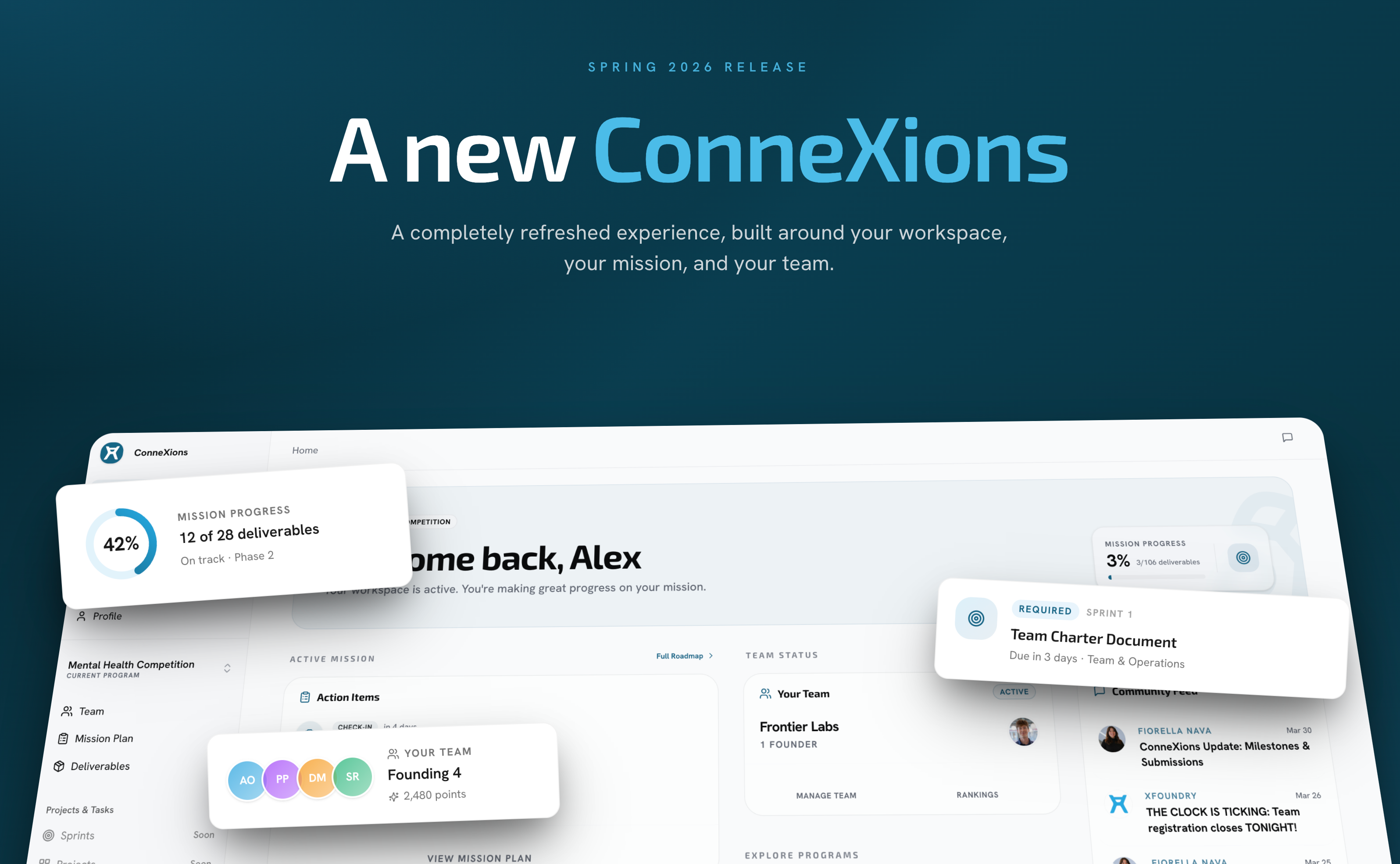
A completely refreshed ConneXions, built around your workspace, your mission, and your team.
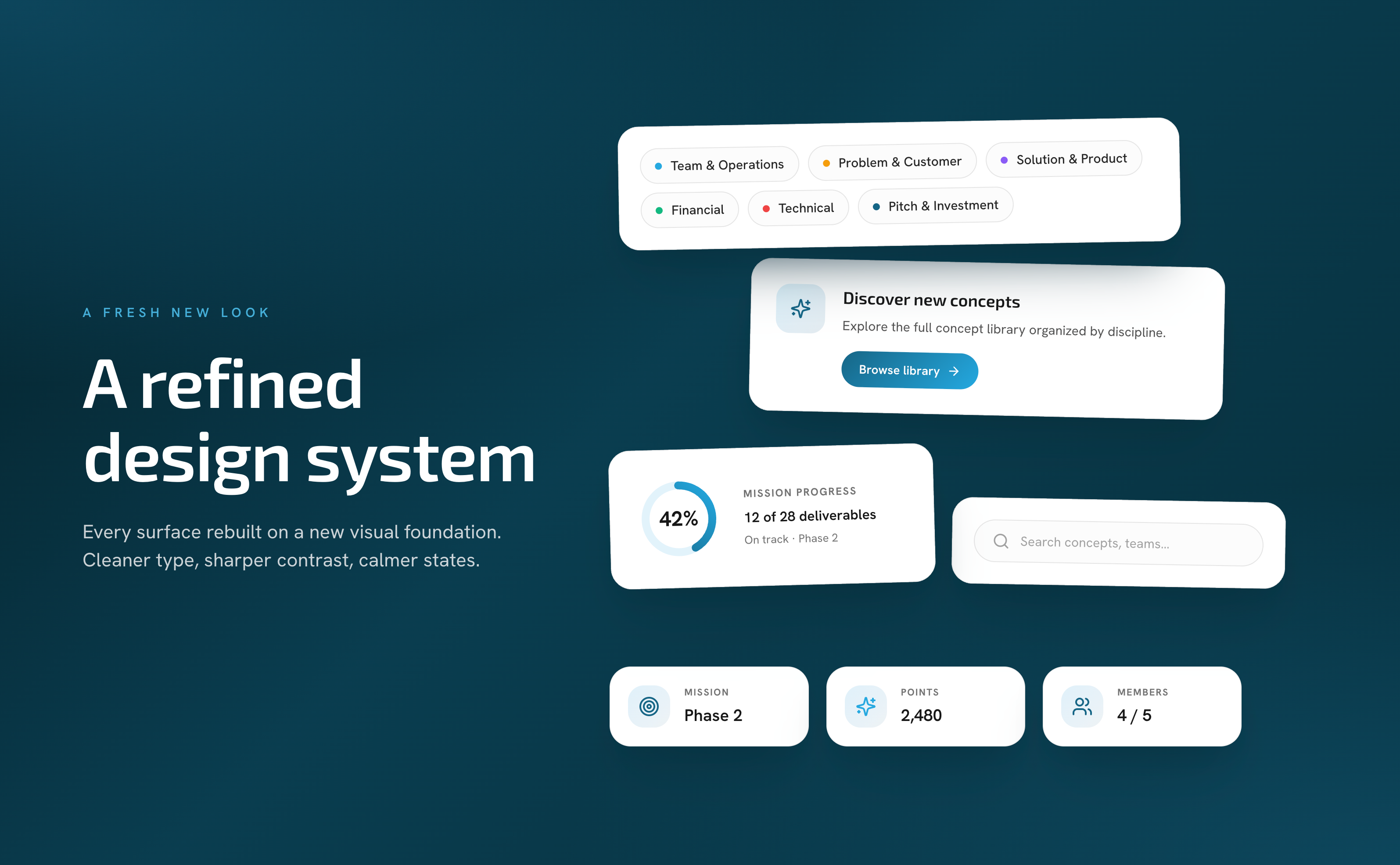
A Fresh New Look
Every surface in ConneXions has been rebuilt on a new visual foundation. Cleaner typography, sharper contrast, calmer states, and a cohesive brand feel across the entire app.
Unified look and feel across dashboard, programs, community, team, and profile.
Better light mode with more contrast where you need it.
Polished detail panels, buttons, inputs, and dialogs that behave consistently everywhere.
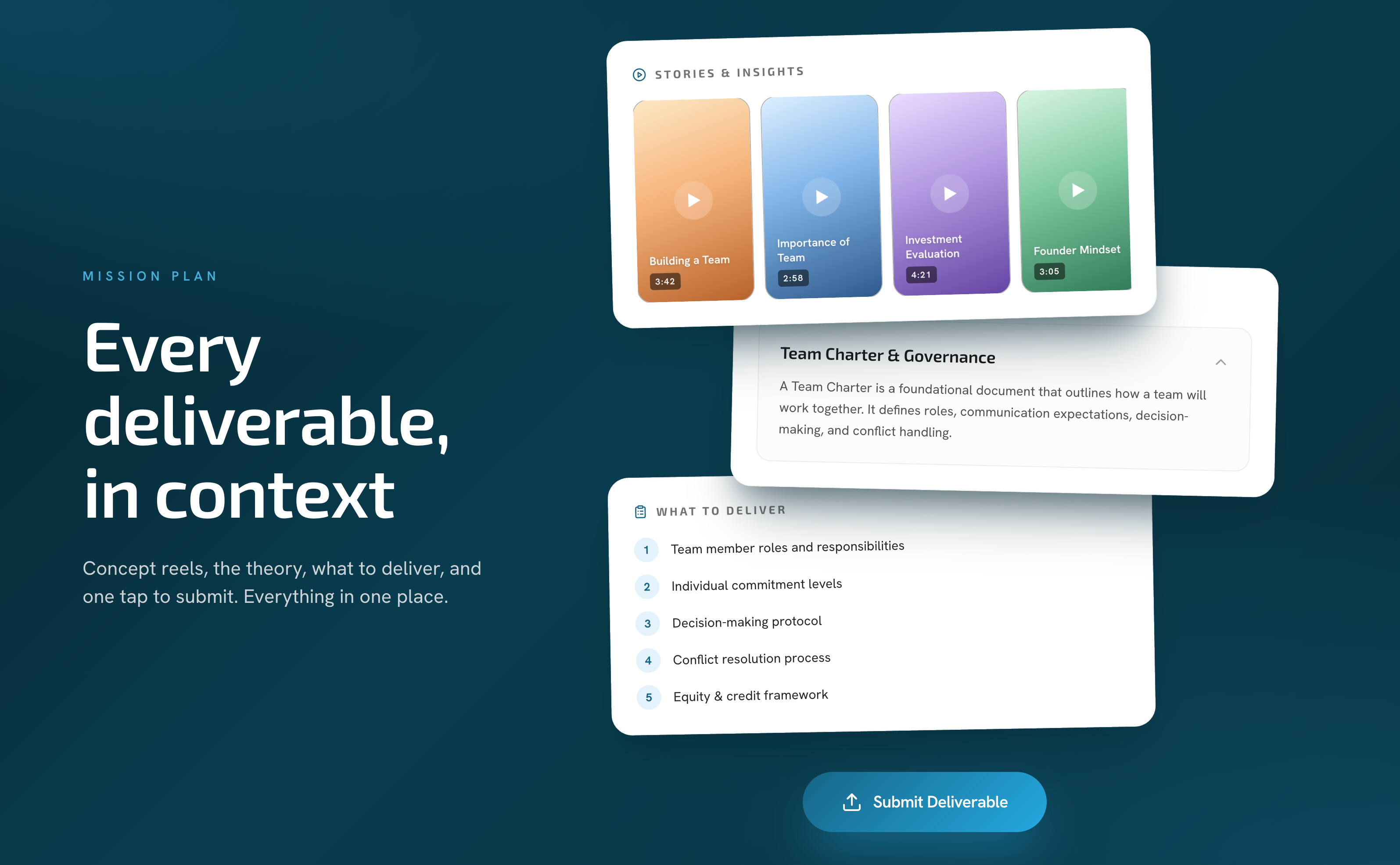
Every deliverable, in context
The biggest new addition to ConneXions. Every deliverable in the Mission Plan now opens into a focused panel with everything a founder needs to move forward.
Stories & Insights. Short video reels walk you through the background for each deliverable.
Related Concept. The theory behind the work, right where you are.
What to Deliver. A clear brief with every required piece.
Submit without leaving. Upload files, write descriptions, and track your submission history directly from the deliverable.
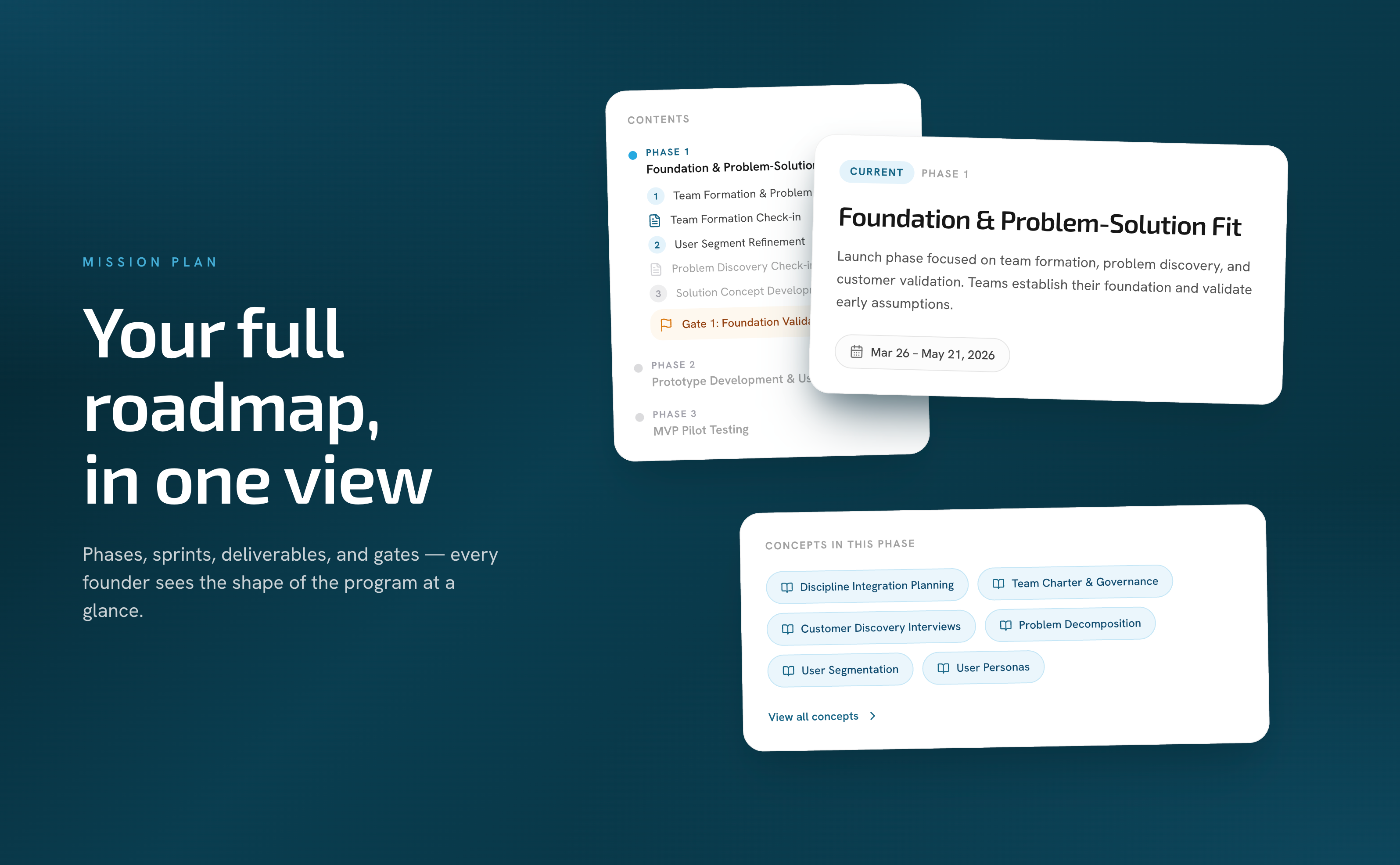
Your full roadmap, in one view
The Mission Plan gives every founder the shape of the program at a glance: phases, sprints, deliverables, gates, and the concepts that tie them together.
Interactive timeline with every phase, sprint, and deliverable, plus a "today" marker so you always know where you are.
Phase overviews describe the current focus and its date range.
Concept chips link deliverables to the theory they rest on, so learning and doing stay connected.
Gates and check-ins are first-class on the timeline, so checkpoints are never a surprise.
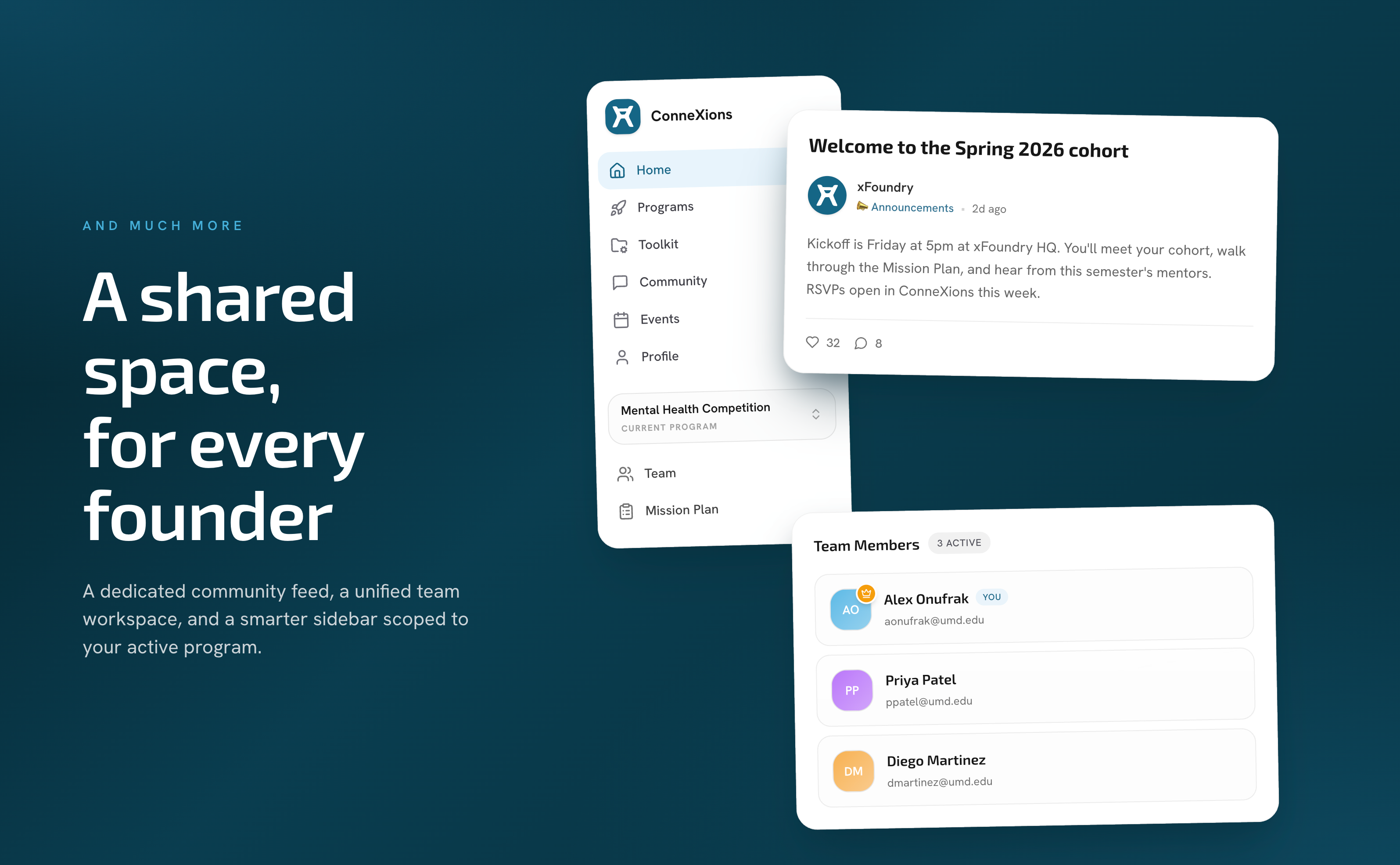
A shared space, for every founder
Dedicated Community page. Announcements and posts have their own full page with room to breathe, plus an easier compose flow.
Unified Team workspace. Your team profile, members, and points in one surface, with more reliable invites.
Smarter Navigation. The sidebar is split into a Global zone for things you always need and a Workspace zone scoped to your active program. A program switcher in the sidebar lets you hop between programs instantly.
Calendar invites on RSVPs. When you RSVP to an event, the confirmation email now carries a calendar invite so the event lands on your calendar automatically. Cancelling sends a proper calendar cancellation too.
Questions or feedback? Reach out to us at support@xfoundry.org.